
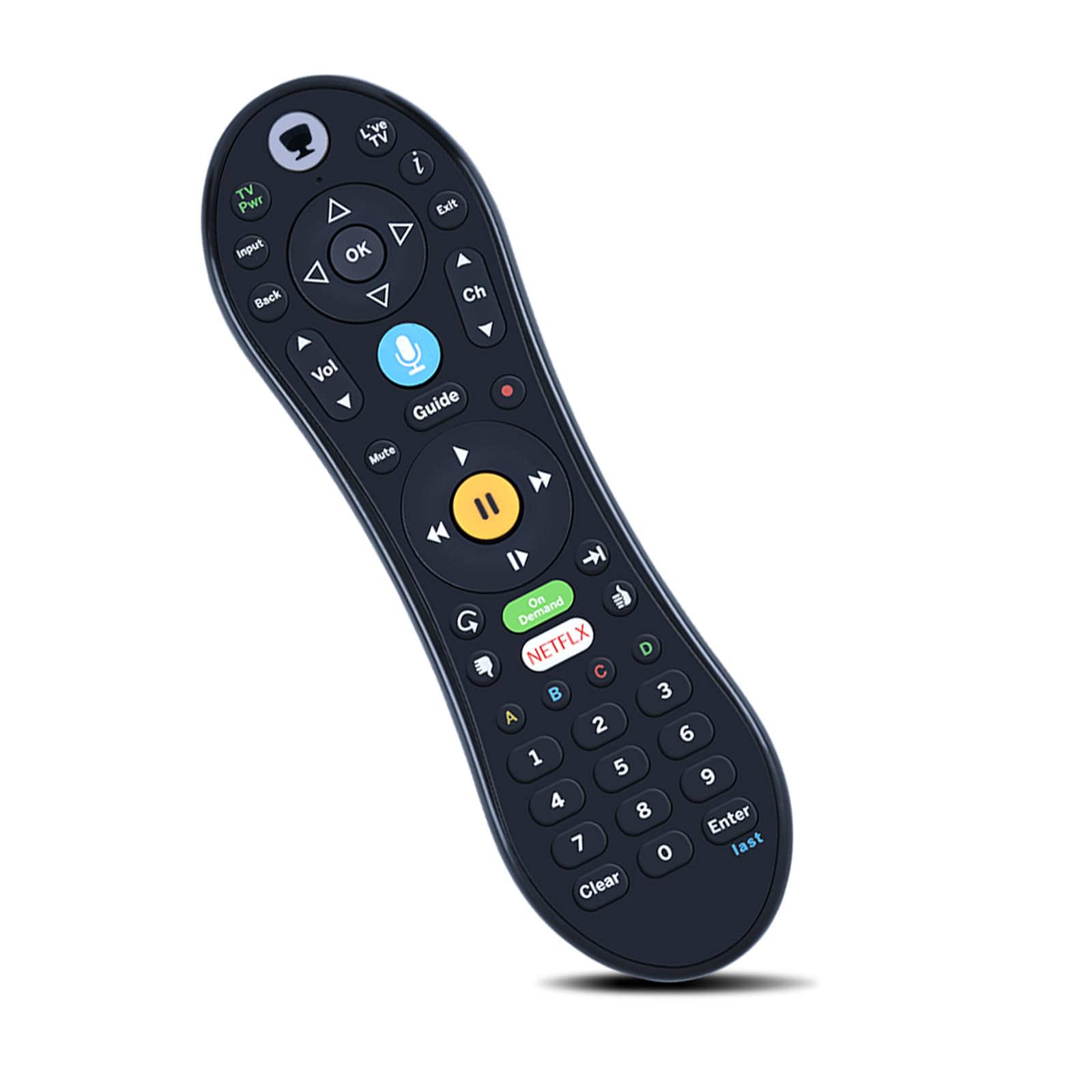
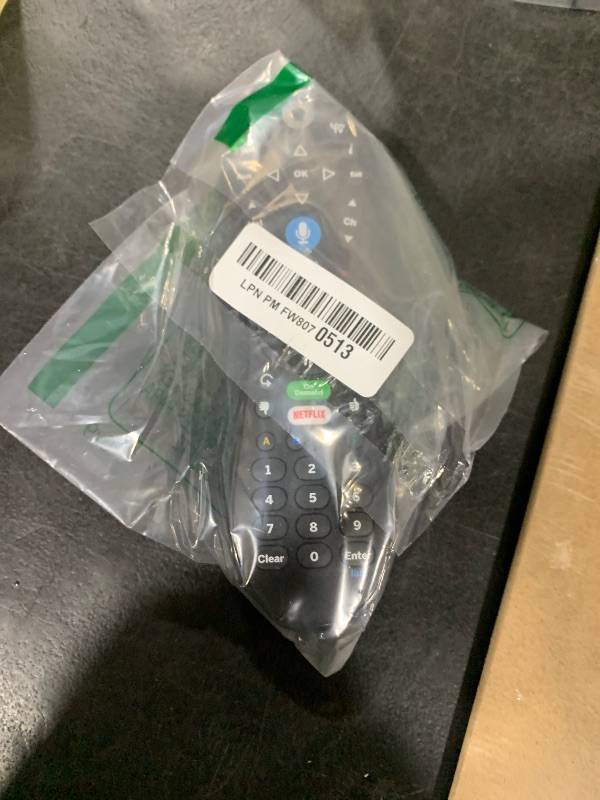
ZWP Replacement Voice Remote Control for TiVo VOX, TiVo Edge and Bolt Series, and Mini VOX DVRs
ZWP Replacement Voice Remote Control for TiVo VOX, TiVo Edge and Bolt Series, and Mini VOX DVRs
Description
How To Pairing : Step1 - To activate the pairing function the user will press any key. (The amber LED begins to flash slowly for 30 seconds, the flash rate shall be 3 flashes every 2 seconds) Step2 - Local Name: TiVo-S6V-Remote. Step3 - If the pairing is successful, the remote will flash the amber LED quickly 5 times. Step4 - If the remote has not successfully paired with a target after 20 complete cycles it will exit pairing mode and enter IR mode. If the activity light flashes red with each button press, the remote is not fully paired, andvoice commands will not work. To pair it manually, go to Menu > Settings > Remote, CableCARD, &Devices > Remote Control Setup and follow the on-screen instructions.
Item Details
Seller

Nellis Auction
Pickup Location
4031 Market Center Dr Suite 303
North Las Vegas, NV, 89030
Quality
Estimated Retail Price
$29.89
Buyers Premium
15%
Inventory Number
1063900808
Found in
Additional Details from the Manufacturer
This item information is coming from the manufacturer. Some of the details may vary from the Nellis Auction listing. Please check the Quality Rating and Notes for information specific to this listing
brand
ZWPcolor
Blackweight
0.24 lbsMore features
- Compatible with TiVo EDGE Series, TiVo BOLT Series, and TiVo Roamio Plus and Pro (Without Backlight)
- How To Pairing : Step1 - To activate the pairing function the user will press any key. (The amber LED begins to flash slowly for 30 seconds, the flash rate shall be 3 flashes every 2 seconds) Step2 - Local Name: TiVo-S6V-Remote. Step3 - If the pairing is successful, the remote will flash the amber LED quickly 5 times. Step4 - If the remote has not successfully paired with a target after 20 complete cycles it will exit pairing mode and enter IR mode.
- If the activity light flashes red with each button press, the remote is not fully paired, andvoice commands will not work. To pair it manually, go to Menu > Settings > Remote, CableCARD, &Devices > Remote Control Setup and follow the on-screen instructions.
- 【High Quality】:Made of High Quality ABS material, which is resistant to falling and has no peculiar smell, Built to Last for Long Lasting Use, and also keeps you and your children away from harm.
- 【Easy to use】:Easy to Pairing or setup, After inserting the battery(Not included), Simply follow the pairing steps until successful, and it will perfectly replace your original remote
- 【Premium After-sale】:We provide a 1 year warranty return service. If you have any questions about your order, please feel free to contact us directly and we will get back to you within 12 hours.
See the deals
Get in on the action, thousands of new items added daily. Bid and win!
Start bidding now