
Explore Productsended
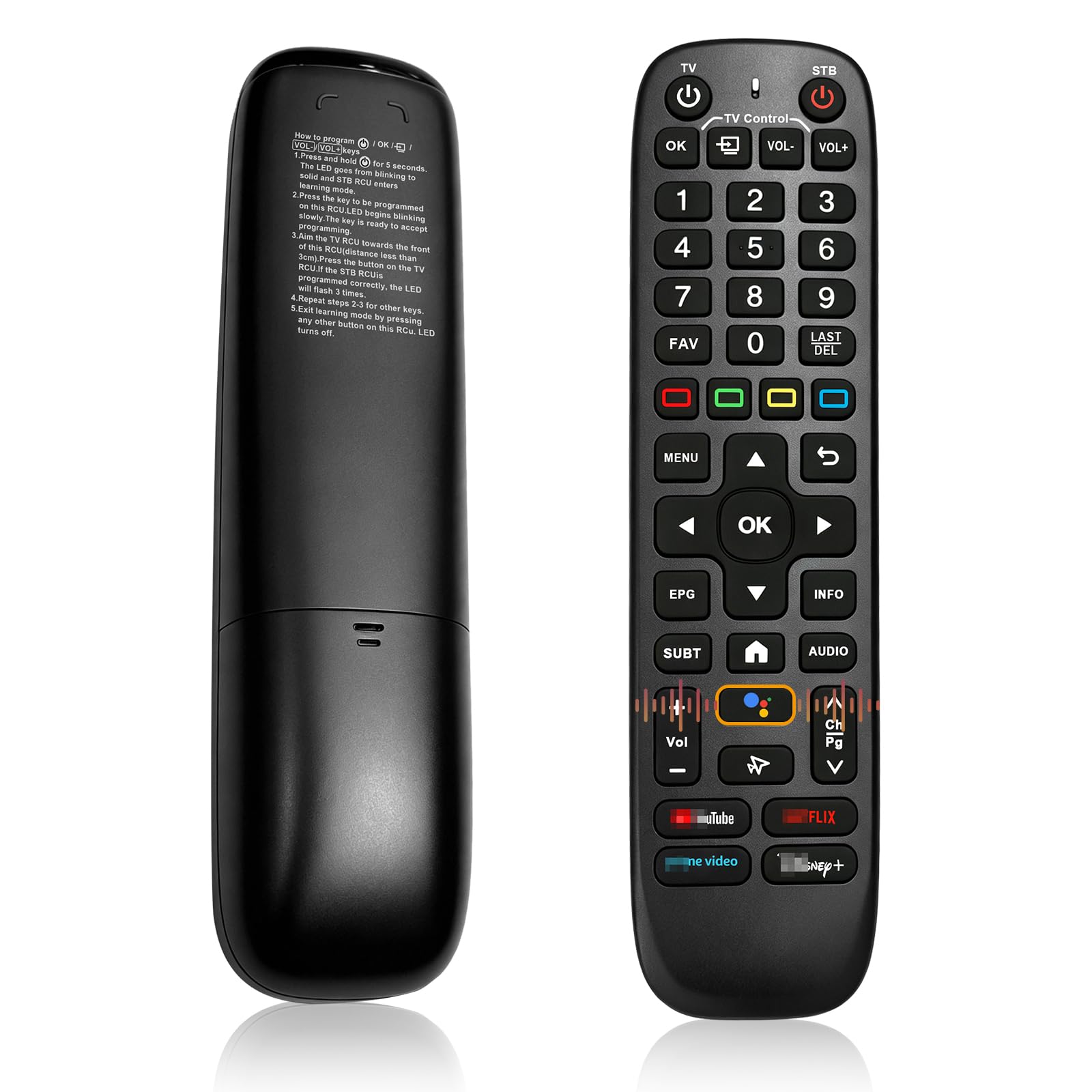
V6 Plus Remote Fit for Vseebox V6plus Remote Control Compatible with vSeeBox V5 Pro,Vsee Box V3 Plus,V3Pro,Intelligent Bluetooth Voice Remote with Backlight
V6 Plus Remote Fit for Vseebox V6plus Remote Control Compatible with vSeeBox V5 Pro,Vsee Box V3 Plus,V3Pro,Intelligent Bluetooth Voice Remote with Backlight
Description
V6 Plus Remote Fit for Vseebox V6plus Remote Control Compatible with vSeeBox V5 Pro,Vsee Box V3 Plus,V3Pro,Intelligent Bluetooth Voice Remote With Backlight
Item Details
Seller

Nellis Auction
Pickup Location
6520 Westwind Rd, Ste 100
Las Vegas, NV, 89118
Quality
New
Functional
No Damage
No Assembly Needed
In Package
No Missing Parts
Estimated Retail Price
$38.98
Buyers Premium
15%
Inventory Number
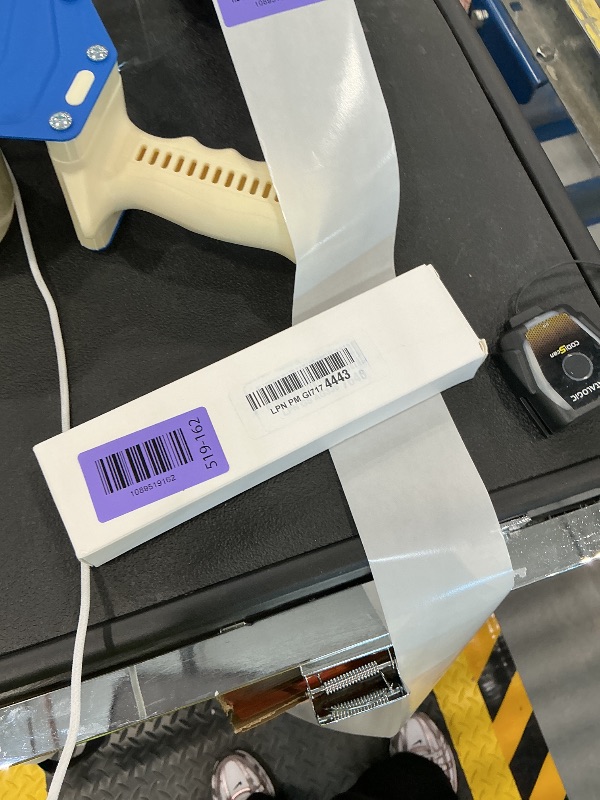
1089519162
Found in
Additional Details from the Manufacturer
This item information is coming from the manufacturer. Some of the details may vary from the Nellis Auction listing. Please check the Quality Rating and Notes for information specific to this listing
brand
Rytuqodimensions
Item: 0.1 × 0.1 × 0.1 in · Package: 0.22 lbMore features
- Troubleshoot no power issue: Certain batteries have a large positive cap that cannot reach the contact. Confirm full contact between battery positive tip and internal terminal before replacing new batteries.【Backlit voice remote control Broad Compatibility with All vSeeBox Models】This remote control is compatible with the Vseebox V6plus, Vsee box V5 Pro, V3 Plus, and V3 Pro.
- [Vseebox remote V3PRO V3PLUS V5PRO User Manual] Connection method of vSeeBoxv3/v5 series boxes:Pairing the Remote Control Press and Hold< OK >key andk CH->key togetherfor 3-5 seconds,theindicator light flashes and enters the pairing status after the pairing issuccessful,the indicator light will go out. Connected New Remote with A Paired Remote (1)Press (Home) key,then select SETTING-Remotes & Accessories. (2)Selcect Add accessory then Press OK key to confirm to pair. (3)Press and Hold< OK >key andk CH->key togetherfor3-5 seconds,the indicator light flashes and enters the pairing status,after the pairingis successful,the indicator light will go out.
- 【Dual-Mode Flexible Use for Any Setup】Connection method of vSeeBox6 series boxes:Pairing the Remote Control 1.Press and hold the< OK >button and the< VOL->down key simult-aneously for 3 seconds. The LED indicator will begin to flash. 2.Select "System Settings" 3.Select "Remote Control & Accessories" 4.Select "Add Accessory" 5.Select "TruelD TV RC" Note: PowerKey Definition: Select "Sleep". Do NOT select "Power Off", or you willbe required to press the "Back" button every time you power on the device.
- 【Dual-Mode Flexible Operation for Any Setup】Default V6 mode is fit for v6 plus remote and fit for vseebox v5 pro remote. vseebox v3 pro remote,vseebox v3 plus remote.
- [Power Requirements & Setup] This remote requires 2 x AA batteries for Use (not included). Use brand-new, recently-manufactured batteries matching your order timeframe; outdated batteries will prevent the remote from turning on. Our remote features advanced backlight that requires full battery power for activation. If the backlight fails to light up, simply swap in new fresh batteries. These batteries may operate other electronics, but only new fully charged units can properly activate this remote.
- Troubleshoot no power issue: Certain batteries have a large positive cap that cannot reach the contact. Confirm full contact between battery positive tip and internal terminal before replacing new batteries.
See the deals
Get in on the action, thousands of new items added daily. Bid and win!
Start bidding now