
Explore Productsended
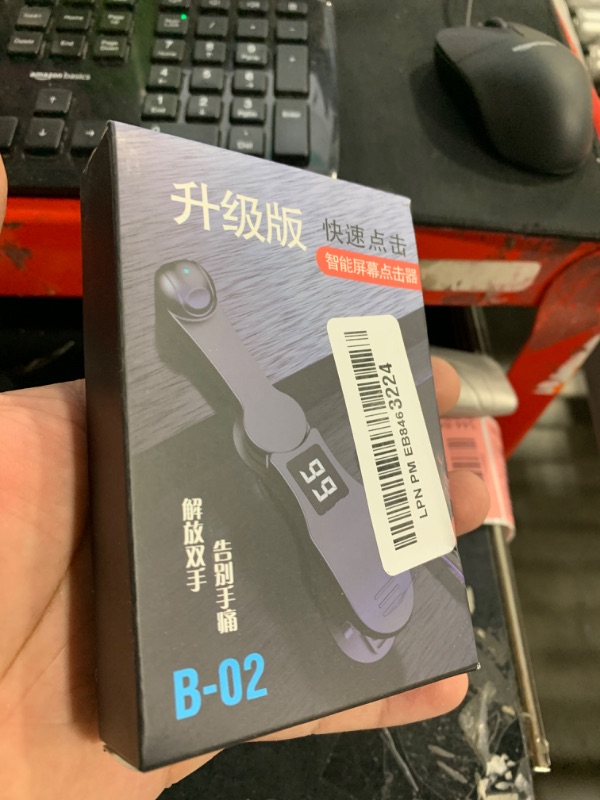
Smart Automatic Screen Clicker Tapper, Continuous Finger Gadget Fast Click Simulation for iPhone for iPad Smart Phone Device Live Streaming Apps Video Live Broadcasts Reward Likes Tasks Games Shopping
Smart Automatic Screen Clicker Tapper, Continuous Finger Gadget Fast Click Simulation for iPhone for iPad Smart Phone Device Live Streaming Apps Video Live Broadcasts Reward Likes Tasks Games Shopping
Item Details
Pickup Location
4031 Market Center Dr Suite 303
North Las Vegas, NV, 89030
Quality
New
Functional
No Damage
No Assembly Needed
In Package
No Missing Parts
Estimated Retail Price
$12.58
Buyers Premium
15%
Inventory Number
1037544844
Additional Details from the Manufacturer
This item information is coming from the manufacturer. Some of the details may vary from the Nellis Auction listing. Please check the Quality Rating and Notes for information specific to this listing
brand
Marsrutcolor
BlackMore features
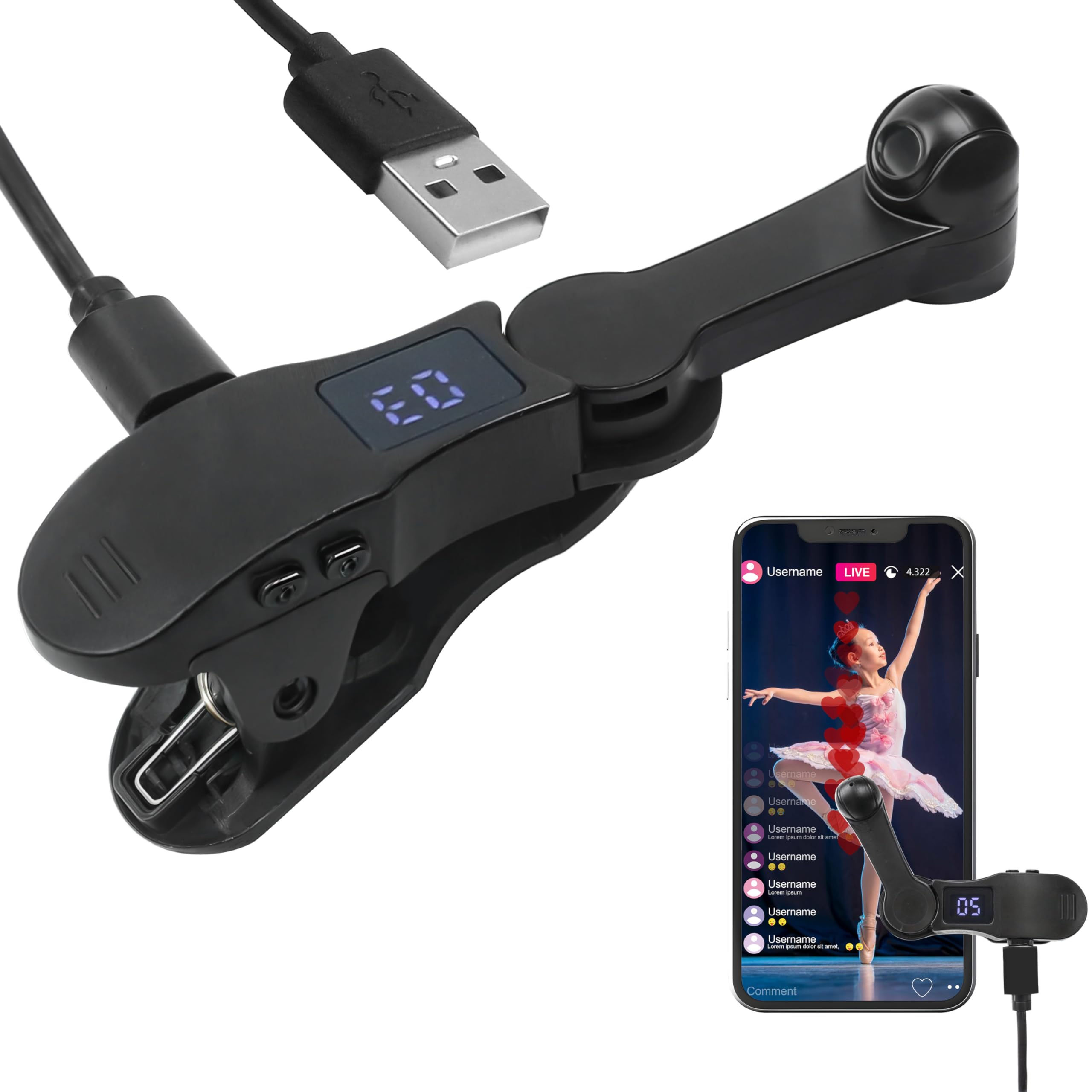
- The Auto Clicker Tapper automatically simulates a finger tapping on your mobile screen, freeing your hand and releasing you from manual tapping.
- This tool is compatible with 99% of mobile systems, applicable for multi-platform phones, Android and iOS. A good option for grabbing rewards, likes, digital games, and live task assistance.
- This innovative click simulation tool uses stable spatial mapping technology to replace traditional mechanical clicks, more sensitive and longer-lasting, with zero noise (mute) and no damage to the screen. Solution for extended device service life!
- Comes with an intelligent adjustable button controller. So you can easily set and adjust the automatic clicking speed (supports a range of 1 click per 9 seconds to 99 clicks per second).
- With a built-in LED design display, it allows you to see the number of clicks more conveniently, making the operation easy and efficient. Small for easy to carry.
- How to use: Plug the USB cable into a power source, press "Power button" to activate, hold "Power button" to adjust the speed, then release and press "Arrow" to start. It operates easily by placing it on the screen.
See the deals
Get in on the action, thousands of new items added daily. Bid and win!
Start bidding now