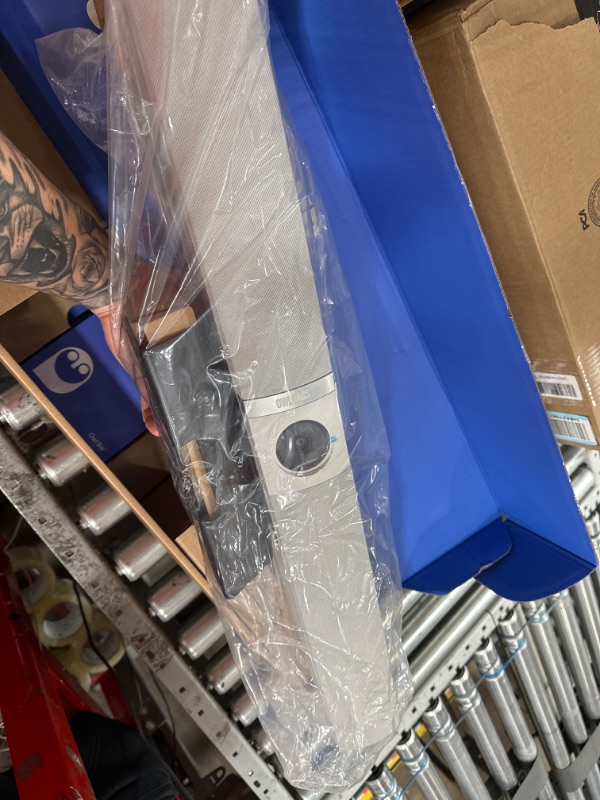
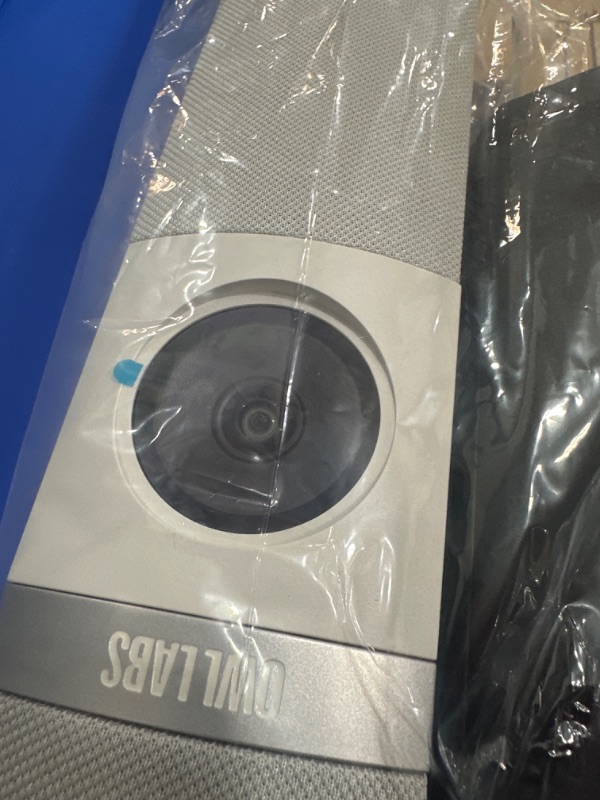
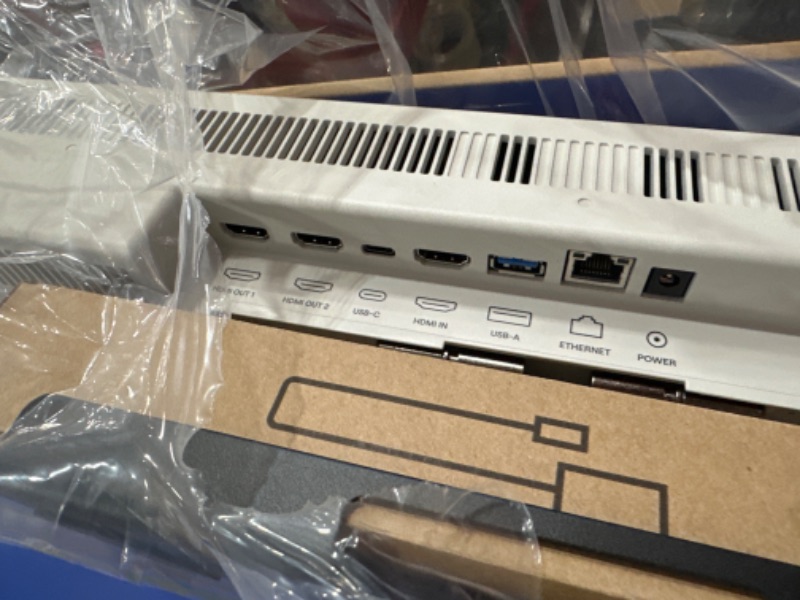
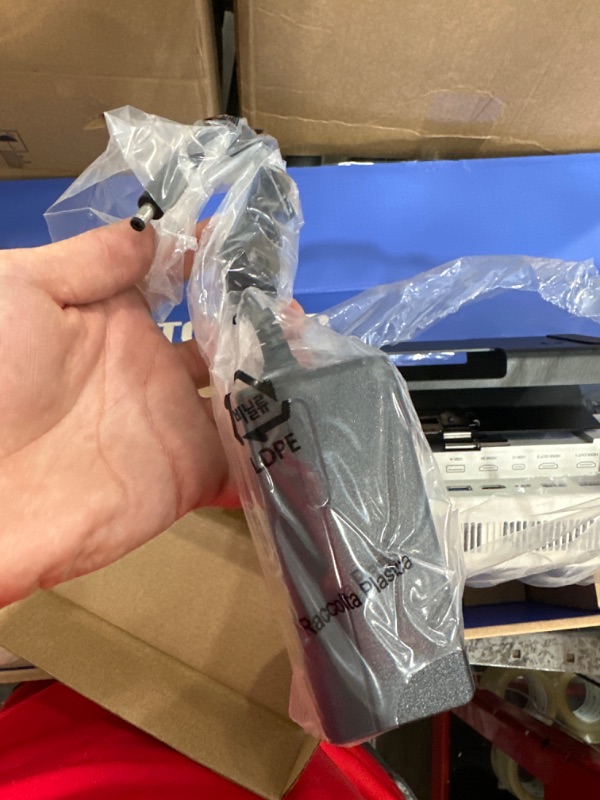
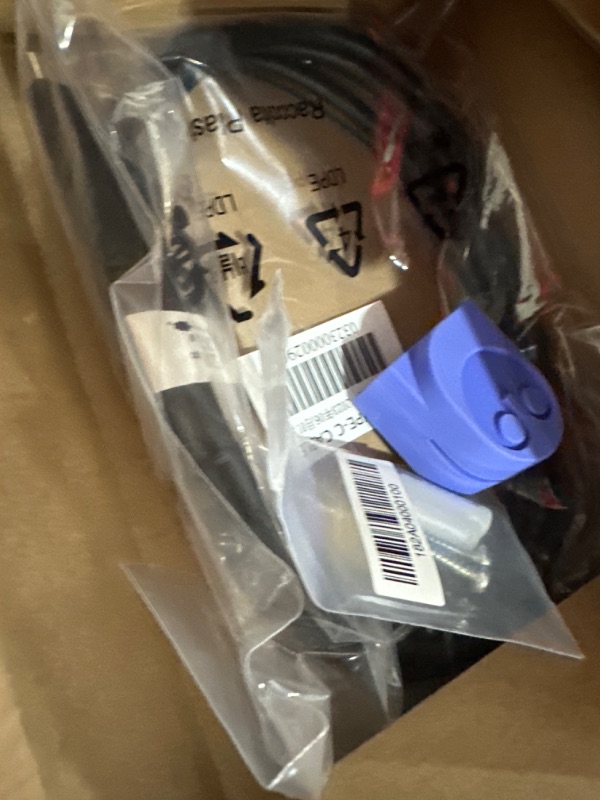
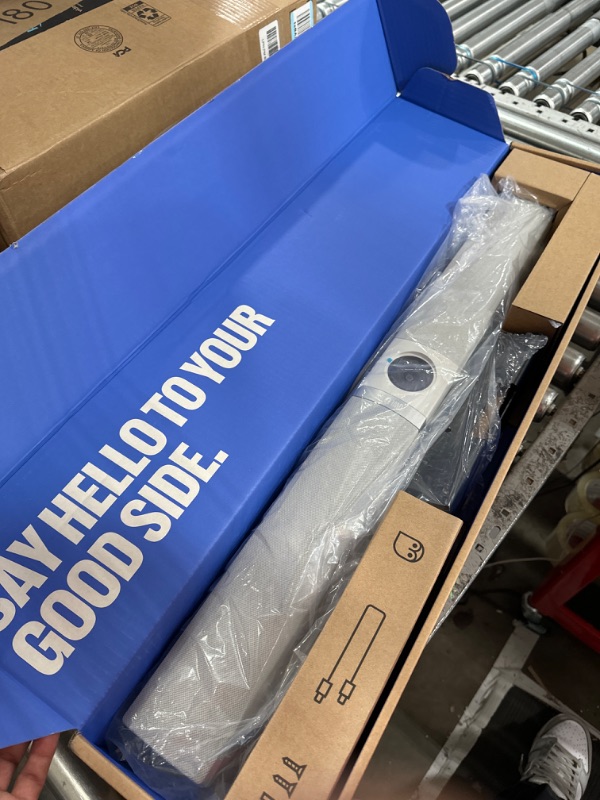
View 7 of Owl Bar Video Conferencing Device — 4K Video Conferencing Bar with Active Speaker Focus (Add a Meeting Owl 3 or Pro for 360-Degree Coverage and Automatic Camera Switching)

Double tap image to zoom
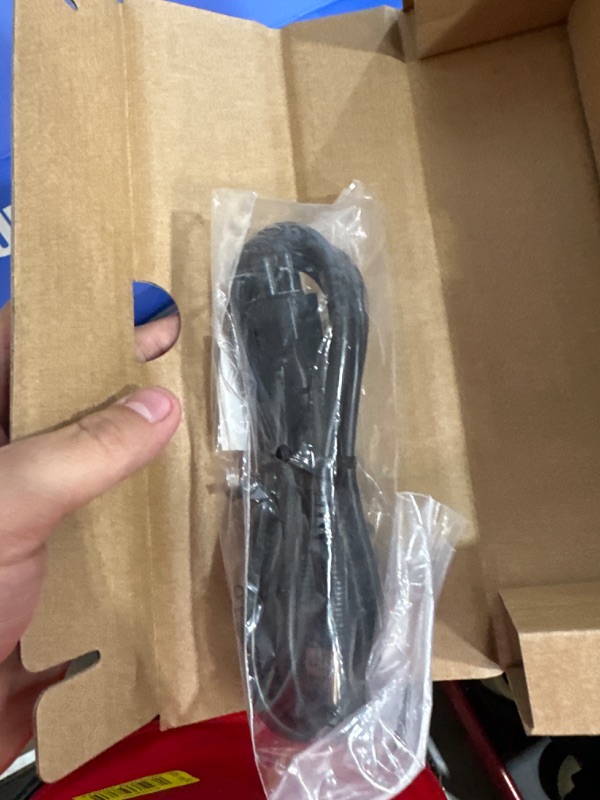
View 1 of Owl Bar Video Conferencing Device — 4K Video Conferencing Bar with Active Speaker Focus (Add a Meeting Owl 3 or Pro for 360-Degree Coverage and Automatic Camera Switching)View 2 of Owl Bar Video Conferencing Device — 4K Video Conferencing Bar with Active Speaker Focus (Add a Meeting Owl 3 or Pro for 360-Degree Coverage and Automatic Camera Switching)View 3 of Owl Bar Video Conferencing Device — 4K Video Conferencing Bar with Active Speaker Focus (Add a Meeting Owl 3 or Pro for 360-Degree Coverage and Automatic Camera Switching)View 4 of Owl Bar Video Conferencing Device — 4K Video Conferencing Bar with Active Speaker Focus (Add a Meeting Owl 3 or Pro for 360-Degree Coverage and Automatic Camera Switching)View 5 of Owl Bar Video Conferencing Device — 4K Video Conferencing Bar with Active Speaker Focus (Add a Meeting Owl 3 or Pro for 360-Degree Coverage and Automatic Camera Switching)View 6 of Owl Bar Video Conferencing Device — 4K Video Conferencing Bar with Active Speaker Focus (Add a Meeting Owl 3 or Pro for 360-Degree Coverage and Automatic Camera Switching)View 7 of Owl Bar Video Conferencing Device — 4K Video Conferencing Bar with Active Speaker Focus (Add a Meeting Owl 3 or Pro for 360-Degree Coverage and Automatic Camera Switching)View 8 of Owl Bar Video Conferencing Device — 4K Video Conferencing Bar with Active Speaker Focus (Add a Meeting Owl 3 or Pro for 360-Degree Coverage and Automatic Camera Switching)