
Explore Productsended
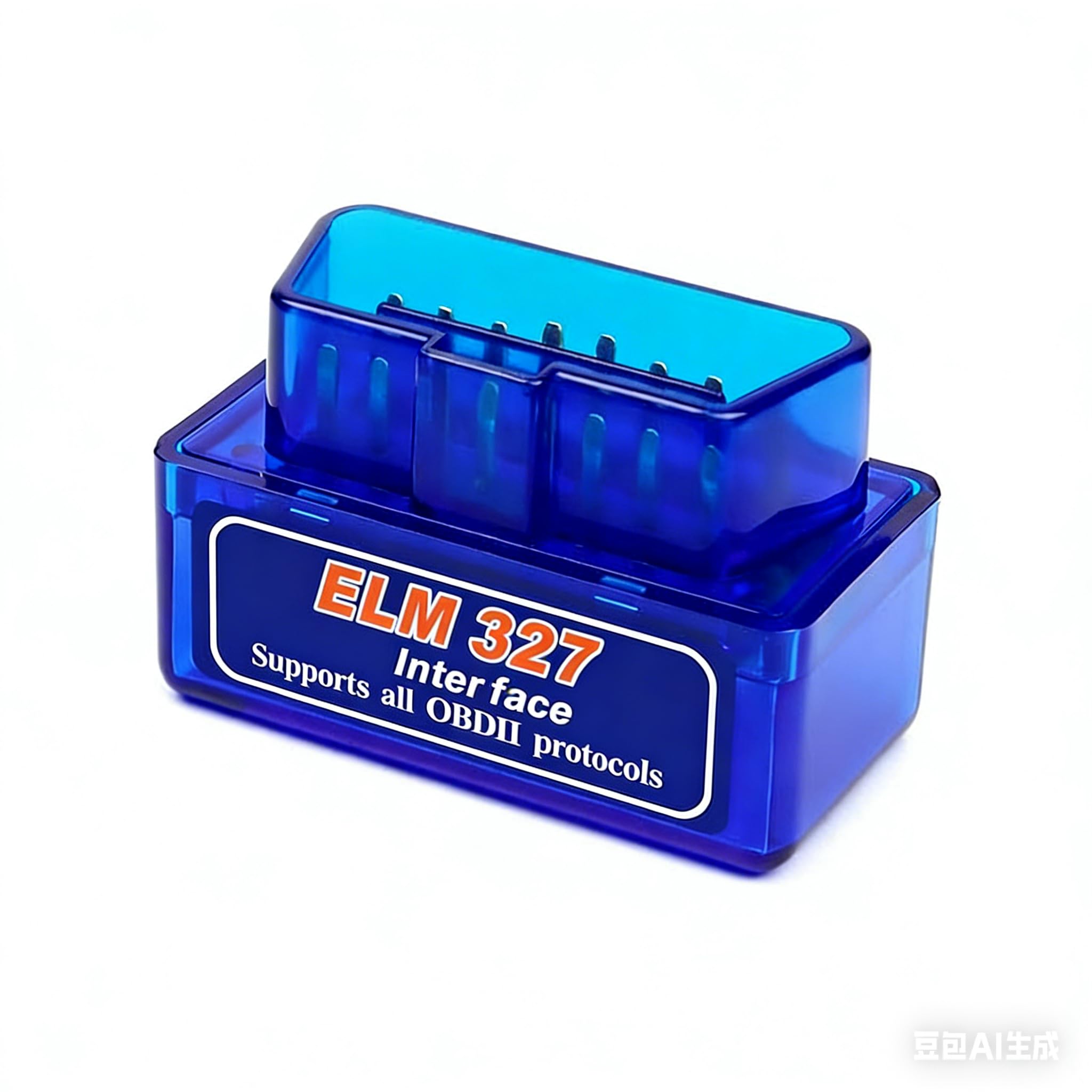
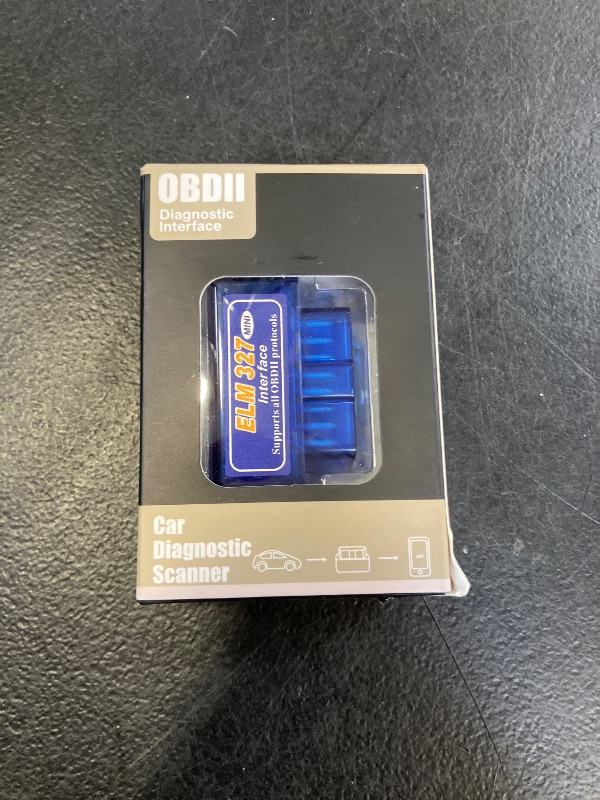
OBD2 Scanner Bluetooth Car Code Reader Diagnostic Tool Wireless OBD Car Code Reader Check Engine for Cars and Trucks for iOS and Android
OBD2 Scanner Bluetooth Car Code Reader Diagnostic Tool Wireless OBD Car Code Reader Check Engine for Cars and Trucks for iOS and Android
Item Details
Seller

Legacy Bids
Pickup Location
3591 John Peter Lee St
North Las Vegas, NV, 89032
Quality
New
Functional
No Damage
No Assembly Needed
In Package
No Missing Parts
Estimated Retail Price
$9.57
Buyers Premium
15%
Inventory Number
1071070938
Additional Details from the Manufacturer
This item information is coming from the manufacturer. Some of the details may vary from the Nellis Auction listing. Please check the Quality Rating and Notes for information specific to this listing
brand
DoHomecolor
BlueMore features
- Android and iOS Compatibility The OBD Car Scanner can be used by downloading a free app and is also compatible with various third-party OBD applications such as Faslink X, DashCommand, Torque, Infocar, Auto Doctor, Four Stroke, or OBD Fusion. The effectiveness of the scanner may vary based on the specific third-party software used. If you encounter issues, switching to a different app may help resolve them.
- With this Bluetooth OBD2 interface scanner, you can retrieve various sensors of your car wirelessly while driving. We recommend using the Car Scanner ELM OBD2 app to connect.
- Easy To Use: Super OBDII Bluetooth car diagnostic interface scanner, easy to take.Works with all OBD-II compliant vehicles.Readout device for all vehicles adapter compatible with Android / Windows.
- The OBD2 car code reader can read and clear over 3,000 different error codes. It interprets fault codes and displays pertinent sensor data, including engine speed, coolant temperature, vehicle speed, intake manifold pressure, intake air temperature, air flow, throttle position, oxygen sensor voltage, and fuel pressure, among others.
- Download the app back on the product outside package to use the code reader tool if you have any connection problem with the connection,you can cntact us and we can help you solve the problem
- How to Use the Car Scanner: Download the free app. Plug the OBD2 device into your car's OBD2 port (typically found under the dashboard). Start your vehicle. Enable Bluetooth on your smartphone or tablet and pair it with the OBD2 device. pin code:add 1234 and reconnect it,if you have any problem about the produc,you can cotact with us and we can help you solve the problem
Online Reviews
3.8/5
Based on 163 ratings
This score is based on 163 recent reviews from online retailers.
Be sure to check our Quality Rating and Notes above for more details on this listing.
See the deals
Get in on the action, thousands of new items added daily. Bid and win!
Start bidding now