
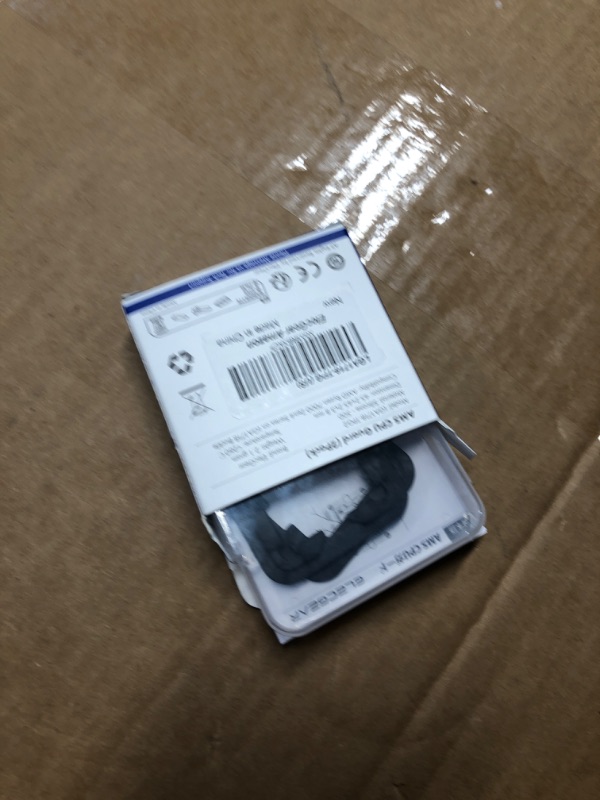
ElecGear CPU Thermal Paste Guard Work with AMD Ryzen AM5 Desktop Processors, 2 Packs of LGA1718 Socket Buckle Protective Cover Leakage Blocker for 7000, 8000, 9000 and X3D Series
ElecGear CPU Thermal Paste Guard Work with AMD Ryzen AM5 Desktop Processors, 2 Packs of LGA1718 Socket Buckle Protective Cover Leakage Blocker for 7000, 8000, 9000 and X3D Series
Description
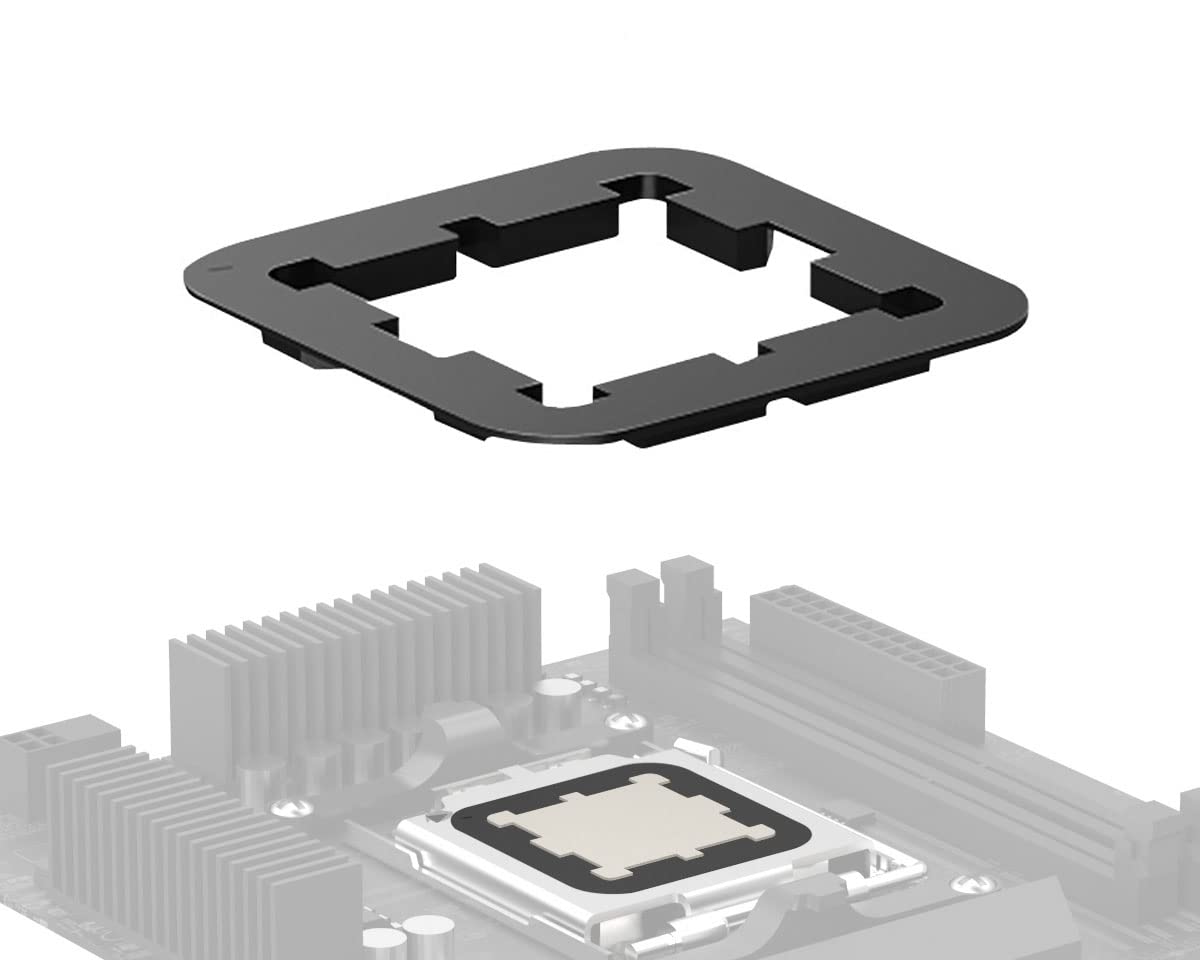
2x Thermal Paste Guard works with AMD AM5 Ryzen desktop CPUs The CPU protector tightly seals the entire CPU along the cut-outs, and it covers LGA1718 fixing buckle and AM5 socket inside, preventing the thermal paste from bleeding onto AMD Ryzen 7000 CPU Flexible and elastic, made of silicone withstanding 260℃ high temperature for most stability. Works with AMD Ryzen desktop processors in AM5 socket, including the X3D models: 7600, 7800X3D, 7950X, 8700G and 9950, for example Brand: ElecGear Model: LGA1718-TPG Material: Silicone Dimension: 45.2x45.2x3.8 mm Weight: 2.2 gram Color: Black
Item Details
Seller

Nellis Auction
Pickup Location
8928 E Ray Rd Suite 101
Mesa, AZ, 85212
Quality
Estimated Retail Price
$9.98
Buyers Premium
15%
Inventory Number
1058071110
Additional Details from the Manufacturer
This item information is coming from the manufacturer. Some of the details may vary from the Nellis Auction listing. Please check the Quality Rating and Notes for information specific to this listing
brand
ElecGearcolor
Blackweight
0.06 lbsMore features
- [AMD AM5 CPU Thermal Paste Guard] – The silicone cover tightly seals the entire CPU along the cut-outs, and it covers LGA1718 fixing buckle and AM5 socket inside, preventing the thermal paste from bleeding onto AMD Ryzen 7000, 8000 and 9000 series processors
- [Premium Material] – Flexible and elastic, made of silicone withstanding 260℃ high temperature for most stability. Works with AMD Ryzen desktop processors in AM5 socket, including the X3D models: 7600, 7800X3D, 7950X, 8700G and 9950, for example
- [DIY Notifications] – Carefully put the CPU in the socket. Hold the upper frame with one hand. Try to center the CPU in the middle of the window. Press down the cam lever. The guard is directional. Align the triangular mark △ at the upper left corner. Insert the guard in the buckle

See the deals
Get in on the action, thousands of new items added daily. Bid and win!
Start bidding now