
Explore Productsended
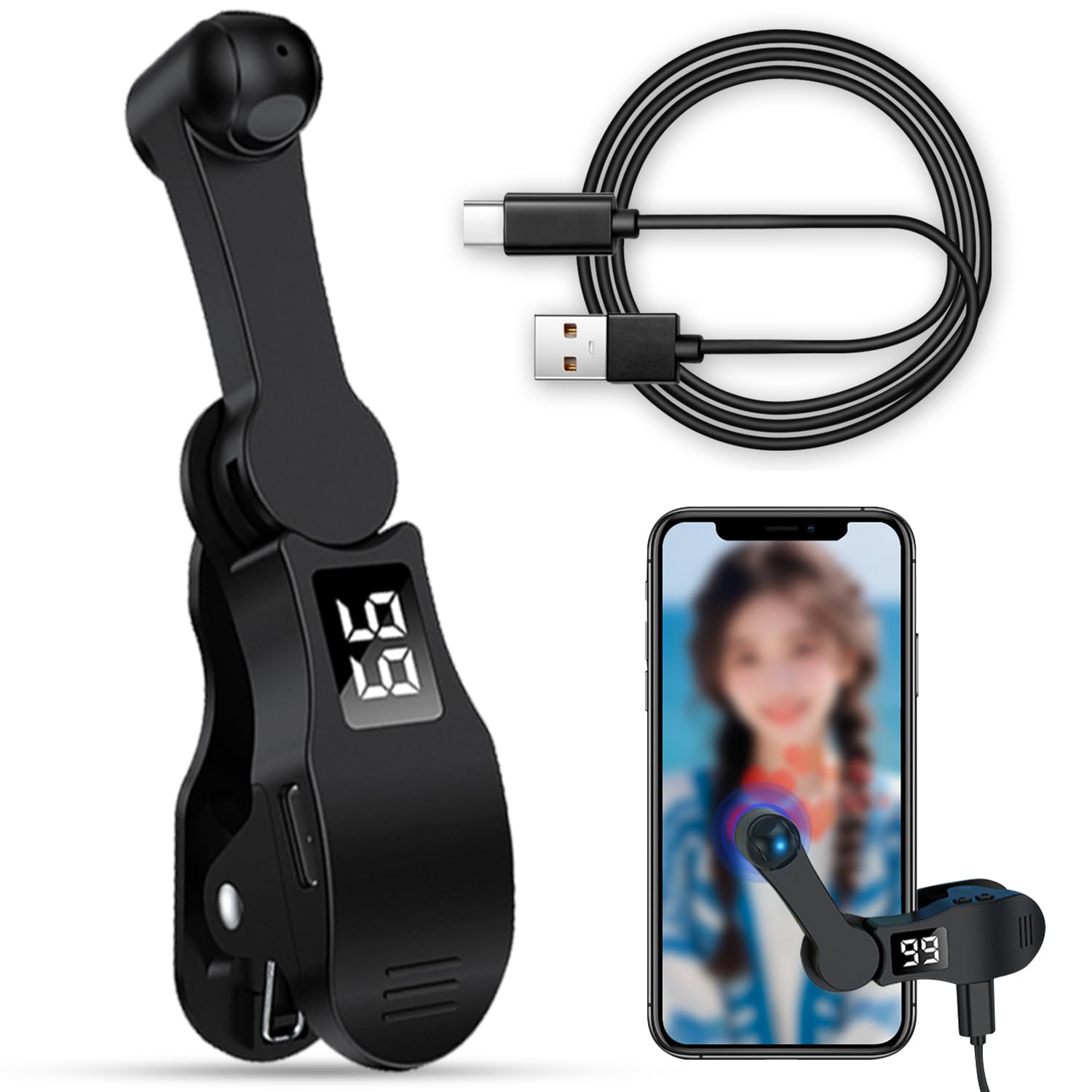
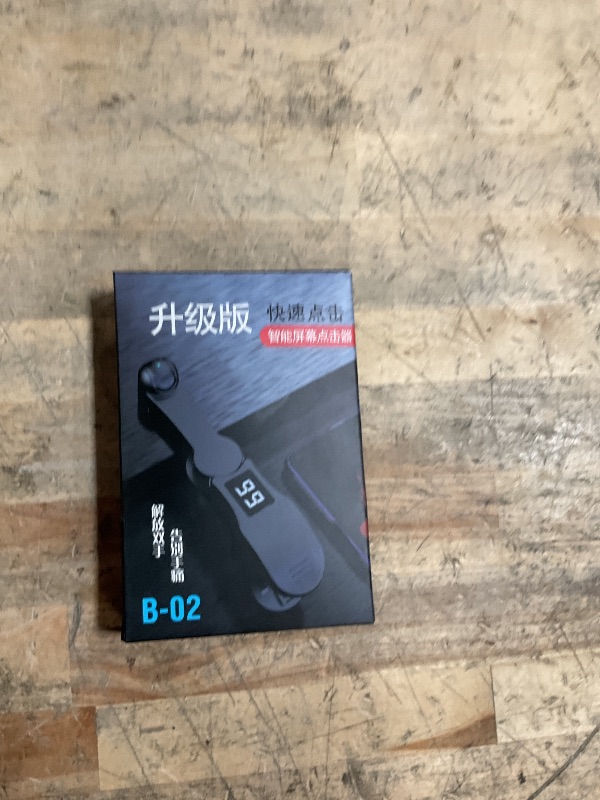
Auto Clicker for Smart Phone, Phone Screen Tapper for Phone Apps, Autoclicker Fast Click Simulation Finger Continuous Click for Gaming, Adjustable Speed Physical Clicker
Auto Clicker for Smart Phone, Phone Screen Tapper for Phone Apps, Autoclicker Fast Click Simulation Finger Continuous Click for Gaming, Adjustable Speed Physical Clicker
Item Details
Seller

Nellis Auction
Pickup Location
1402 S 40th Ave
Phoenix, AZ, 85009
Quality
New
Functional
No Damage
No Assembly Needed
In Package
No Missing Parts
Estimated Retail Price
$10.16
Buyers Premium
15%
Inventory Number
1050147293
Additional Details from the Manufacturer
This item information is coming from the manufacturer. Some of the details may vary from the Nellis Auction listing. Please check the Quality Rating and Notes for information specific to this listing
brand
Feeziloecolor
blackMore features
- Whisper-Quiet Operation: Our live streaming phone like button features advanced silent technology, ensuring that your liking actions are performed without any distracting noise. Keep your live sessions free from interruptions and maintain the professional atmosphere your audience expects
- LED Display: The built-in LED screen provides clear visual feedback, showing you the current like count and settings at a glance. This modern, sleek design not only looks great but also enhances your streaming experience with easy readability
- Customizable Click Speed: Tailor your engagement to your streaming style with adjustable click speeds. Featuring 108 adjustable speed settings, you have the freedom to choose between an incredibly fast rate of 99 clicks per second or a more leisurely pace of just 1 click every 9 seconds
- Effortless User Interface: With a single press, you can toggle through modes and settings, making it perfect for streamers of any skill level. Focus on your content, not on complex operations
- Instructions for Use: Activate BOOT Mode - Begin by pressing the BOOT button to engage the device in BOOT status, where the screen will display a numerical count. Proceed by pressing the start button to initiate the clicking action, indicated by a flashing blue light. To modify the frequency while in BOOT mode, simply hold down the BOOT key for an extended adjustment
See the deals
Get in on the action, thousands of new items added daily. Bid and win!
Start bidding now