
Explore Products
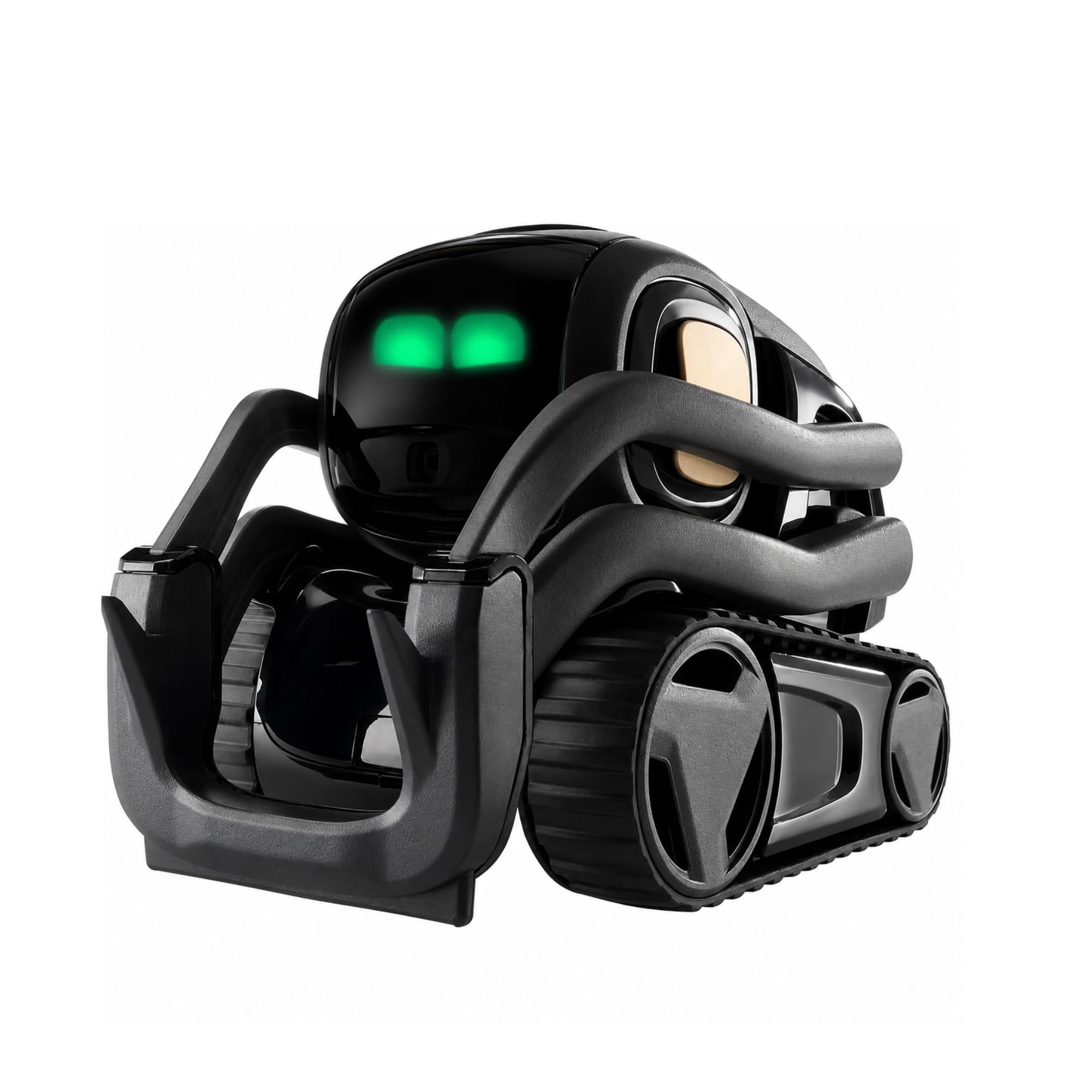
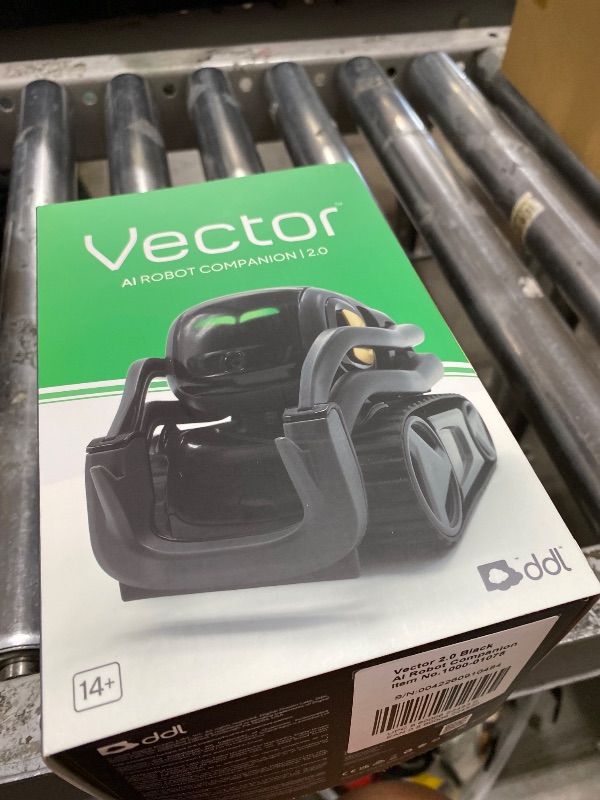
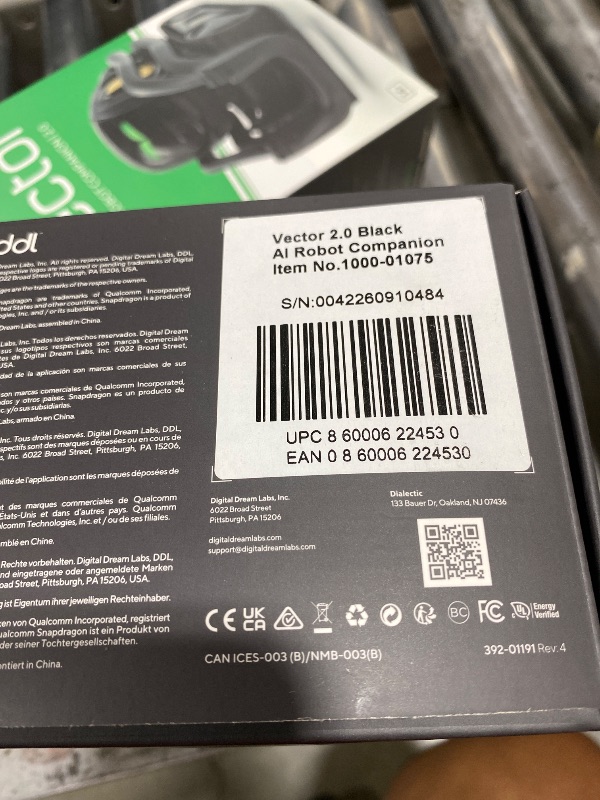
Anki Vector 2.0 AI ChatGPT Connected Robot Companion – Smart Autonomous Home Robot with Face Recognition and Voice Conversations - ChatGPT Subscription Required (Black)
Anki Vector 2.0 AI ChatGPT Connected Robot Companion – Smart Autonomous Home Robot with Face Recognition and Voice Conversations - ChatGPT Subscription Required (Black)
Item Details
Seller

Nellis Auction
Pickup Location
4031 Market Center Dr Suite 303
North Las Vegas, NV, 89030
Quality
Used
Functional
No Damage
No Assembly Needed
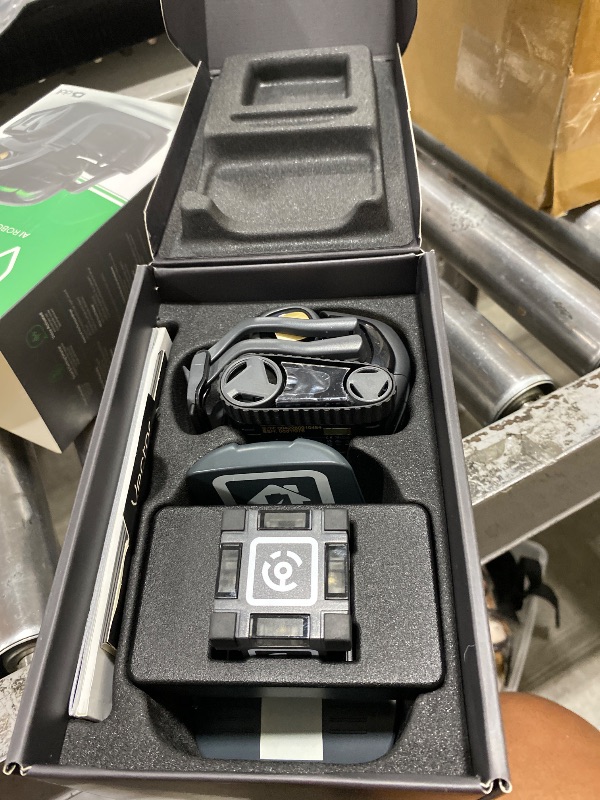
In Package
No Missing Parts
Auction closes
-Estimated Retail Price
$216.46
Buyers Premium
15%
Inventory Number
1075577430
Additional Details from the Manufacturer
This item information is coming from the manufacturer. Some of the details may vary from the Nellis Auction listing. Please check the Quality Rating and Notes for information specific to this listing
brand
Digital Dream Labscolor
Blacksize
Largedimensions
Item: 3.9 × 2.4 × 2.7 in · Package: 1.98 lbweight
0.35 lbsMore features
- AI-Powered & Fully Autonomous: Vector navigates, recognizes faces, and reacts to his surroundings with lifelike independence — no remote control required.
- Now Connected to ChatGPT (subscription required): Experience a new level of conversation! With ChatGPT integration, Vector can answer complex questions, hold meaningful chats, and offer more natural and intelligent responses.
- Multilingual Support: Vector can now understand and speak in multiple languages, making him the perfect smart companion for global households and language learners. Vector can chat in English, Spanish, French, German, and more! Say “Hey Vector.”
- Smart Camera & Sensors: Built with an HD camera and advanced sensors for real-time mapping, facial recognition, and obstacle detection.
- Expressive Personality: Watch Vector come to life with animated eyes, emotions, and playful reactions that evolve as you interact with him.
- To connect your Vector Robot to Wi-Fi, you must use a 2.4 GHz Wi-Fi network 1- Open Google Chrome on your computer and navigate to vector websetup 2- Double-click the button on Vector's backpack.Click Pair with Vector on your computer screen. 3- Select the matching Vector Bluetooth code from the browser's pop-up list. 4- Enter the 6-digit PIN that illuminates on Vector’s face screen into your browser window.A network list will load on your computer; 5- select your local 2.4 GHz Wi-Fi network.Enter your Wi-Fi password and click Connect to Wi-Fi.


Getting Started
Learn more about bidding, winning, pickup, and more on our video tutorials page.
Visit Video Tutorials